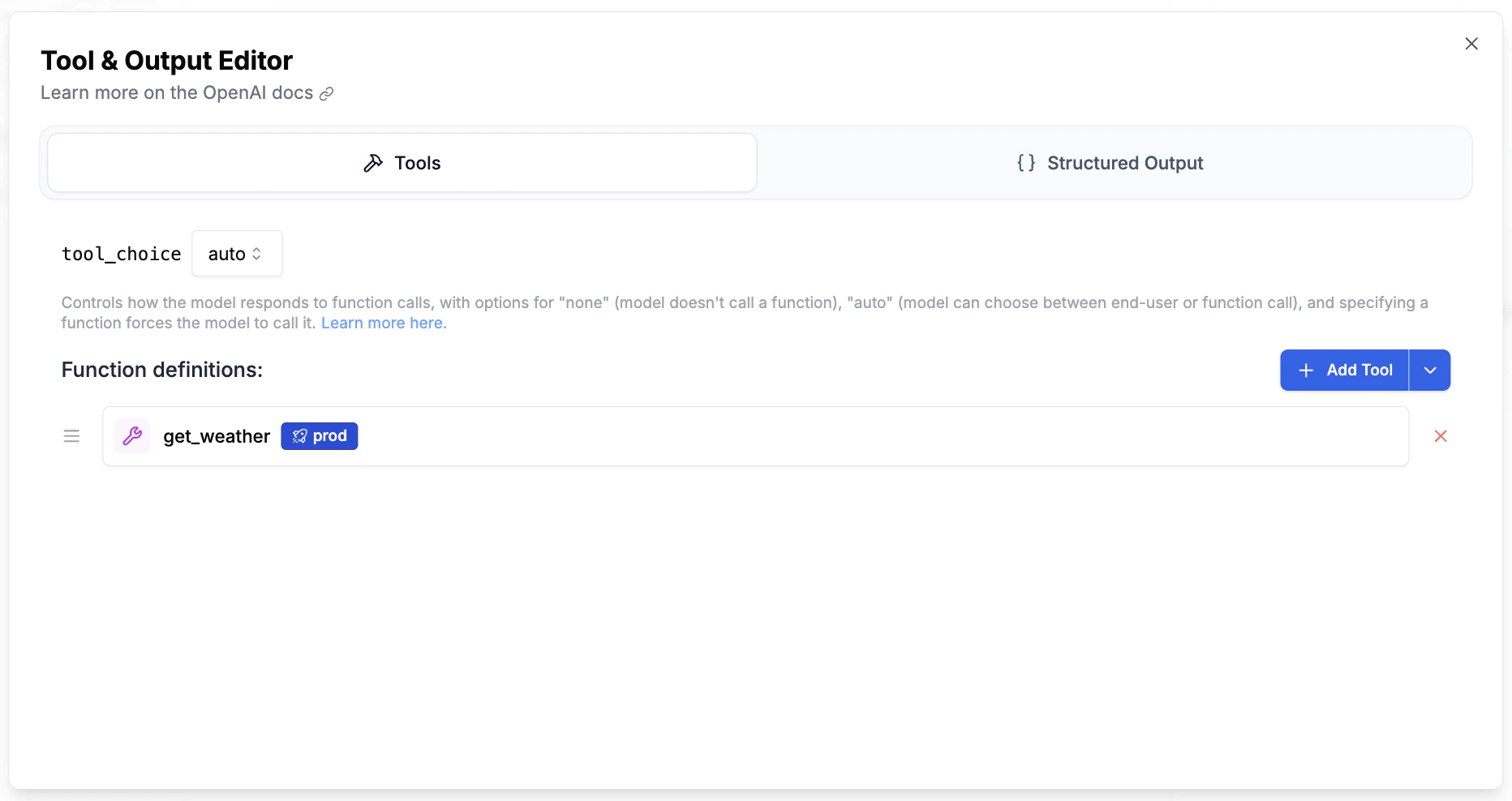
Registry tools can be added to any prompt in the Playground. Instead of defining tool schemas inline, you reference them from the registry — keeping prompts clean and tool definitions centralized.
Registry tools work seamlessly in the Playground. When you click Run, the tool definitions are resolved from the registry and sent to the LLM. The LLM sees standard function definitions — it has no concept of the registry.
If the referenced tool has an execution body attached, PromptLayer runs it in a sandbox between LLM turns. The LLM emits a tool_call, the body runs, the result is fed back, and the LLM is called again. Your application receives the final answer without writing a tool-call loop. See Auto Tool Execution for the full behaviour.If the tool is schema-only (no body), nothing changes. The tool_call is returned to your application like a normal function tool.