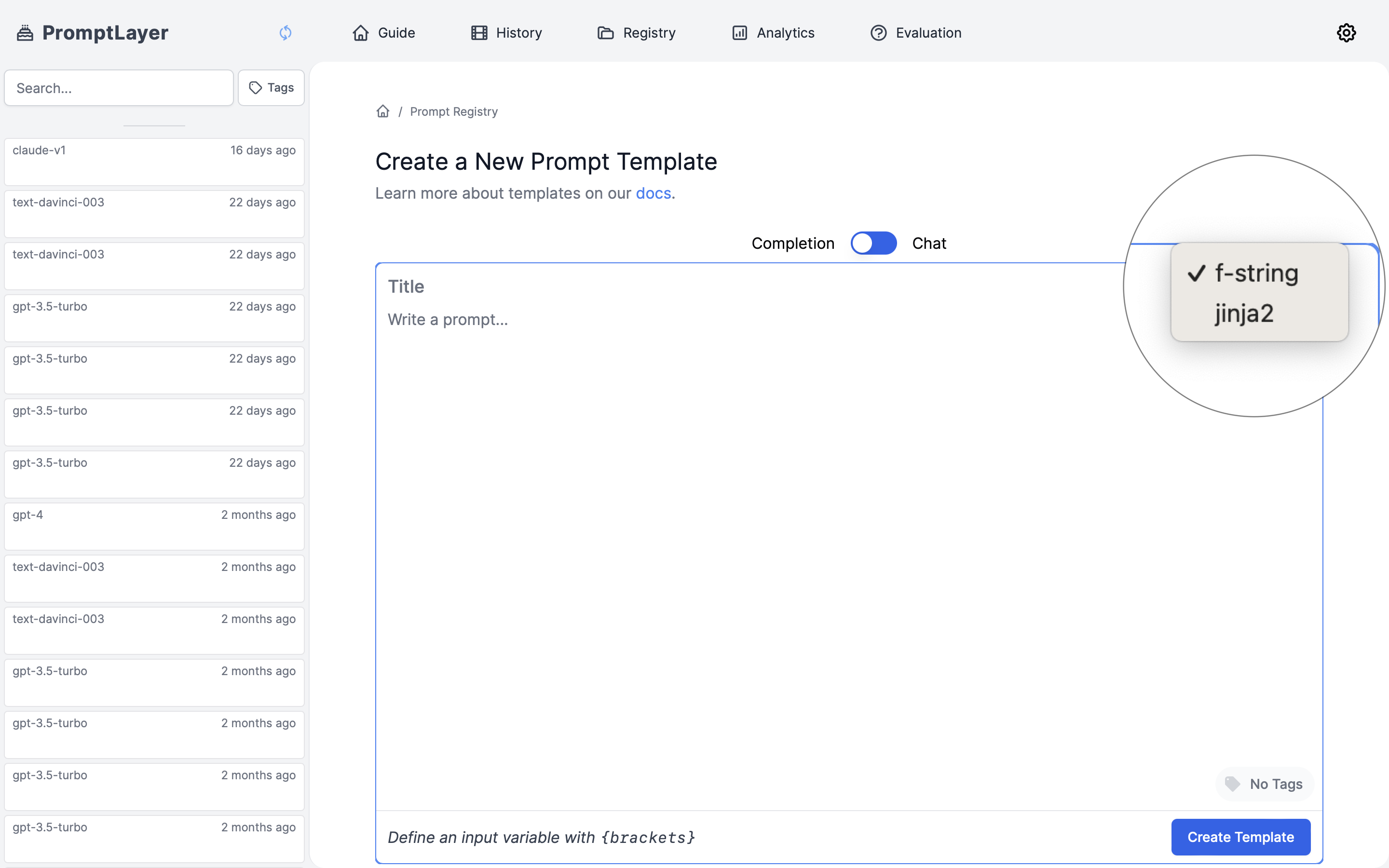
f-string and jinja2.
Looking to save and reuse variable values? Check out Input Variable Sets to learn how to create named collections of variables that can be applied across prompts, playground, and workflows.
What are input variables?
Input variables make your prompts dynamic by creating placeholders that get replaced with actual values when the prompt is used. This allows you to:- Personalize prompts with user information
- Insert specific context or data
- Create reusable prompt templates for different scenarios
- Conditionally include or exclude sections based on available data
- F-strings: Simple, straightforward variable replacement
- Jinja2: Advanced templating with conditional logic, loops, and filters
F-string Variables
F-strings (formatted string literals) offer a straightforward way to insert variables into your prompts using simple curly braces.Basic Syntax
How It Works
When you use this template, you provide values for each variable:F-string Best Practices
- Use descriptive variable names that clearly indicate their purpose
- Keep variable names simple and avoid special characters
- Make sure all variables in your template have corresponding values at runtime
- Use f-strings when you need simple variable substitution without complex logic
Jinja2 Templates
Jinja2 is a more powerful templating engine that extends beyond basic variable replacement. It’s ideal for complex prompt structures that require conditionals, loops, or data transformations. PromptLayer supports the full Jinja2 spec. Read more about best practices for using Jinja2 here.When to Use Jinja2
Consider using Jinja2 instead of f-strings when:- You need conditional sections in your prompts
- You’re working with lists or JSON data that needs to be formatted
- Your prompt requires loops to handle multiple items
- You want to transform variables (uppercase, lowercase, etc.)
- You’re using nested data structures
Basic Variable Replacement
Jinja2 uses double curly braces for variable insertion:Conditional Logic
Include or exclude sections based on whether variables exist or meet certain conditions:Loops for Lists and Collections
Iterate through lists of items to include multiple elements:Working with JSON Data
Jinja2 excels at handling structured JSON inputs:Text Transformation with Filters
Apply transformations to your variables using filters:Advanced Jinja2 Techniques
Default Values
Provide fallbacks for optional variables:Macro Definitions
Create reusable template components:Working with Conditionals
Make templates adaptable to different inputs:Setting Template Format
When creating a template in PromptLayer, select the appropriate format based on your needs: